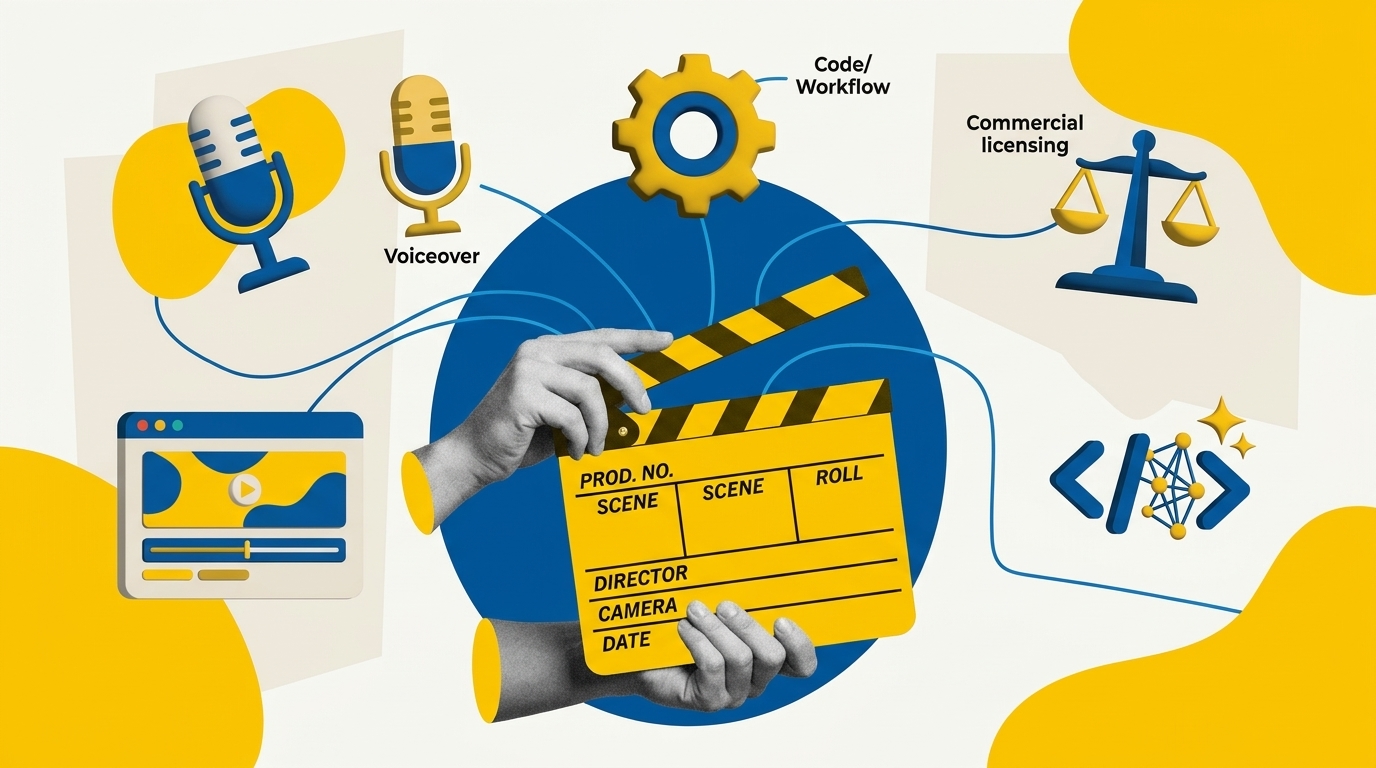
Using open-source tools to produce promotional videos helps lean growth teams demonstrate real software features without paying agency retainers or accepting hallucinated AI footage. Selecting the right repository depends on your source assets, rendering infrastructure, and technical skill. This research-based guide compares five popular workflows to help you pick the best fit for your marketing stack.
Key Takeaways
- GitHub AI video skills differ in architecture: single SKILL.md files guide coding agents, while frameworks like Remotion handle programmatic rendering, and OpenMontage orchestrates full multi-agent pipelines.
- Commercial licensing matters: Video Shotcraft and HyperFrames use Apache-2.0, Brag uses MIT, OpenMontage uses AGPLv3, and Remotion requires a paid commercial license for companies with four or more employees.
- Promo videos require authentic assets: generative tools misrepresent software interfaces, so use actual screen recordings or live website URLs as core inputs.
- Cost varies by rendering stack: local compute with FFmpeg is free, but calling external voiceover, transcription, or LLM APIs creates recurring usage expenses.
- Every promo workflow needs a strict QA checklist to verify ad claims, subtitles, audio licensing, and aspect ratios before launch.
What Are the Main Architectures for AI Product Videos?
Before adopting open-source video automation, growth marketers must understand the difference between three distinct technical approaches. As explored in our broader analysis of GitHub AI video skills, developer tooling divides into prompt-driven agent skills, programmatic rendering engines, and multi-agent orchestration systems.
A SKILL.md file is an instruction set designed for coding agents such as Claude Code, Cursor, or Codex. It teaches the AI agent the specific rules, shot composition heuristics, and syntax needed to generate video scripts or layout code. It does not render video on its own. Instead, it directs the agent to write code for a rendering engine.
Programmatic video frameworks like Remotion transform web code (HTML, CSS, React, and WebGL) into frame-by-frame MP4 files via headless browser instances. These frameworks provide pixel-perfect precision and allow teams that built their SaaS using modern AI app builders to reuse actual frontend UI components inside their promo videos.
Multi-agent orchestration systems like OpenMontage coordinate multiple sub-tasks. They manage the entire pipeline from storyboarding and asset sourcing to synthetic voice generation, shot transitions, and final audio mixing. Choosing between these architectures determines whether your workflow requires developer support or simple command-line execution.
Which Popular GitHub Tools Fit Product Promo Videos?
We evaluated five popular repositories that each hold substantial developer traction (5,000+ GitHub stars) to see how they handle promotional videos, feature demos, and social launch teasers. Each project requires different input assets, technical expertise, and licensing considerations.
| Tool / Skill Name | Primary Workflow | Required Source Assets | Output Format | Commercial License |
|---|---|---|---|---|
| video-shotcraft | Cinematic webpage & UI promo teaser | Live URL or HTML/CSS page capture | Remotion code, MP4, CapCut draft | Apache-2.0 |
| brag | Fast 20-second GitHub project release demo | Local codebase or repository directory | Remotion composition, MP4 | MIT |
| hyperframes | Branded 2D motion graphics & typography | Brand guidelines, logos, text copy | HTML/Canvas animation, MP4 | Apache-2.0 |
| remotion-best-practices | Custom programmatic product demos | React components, raw screen captures | Direct server/CLI MP4 render | Dual: Free (≤3 staff) / Paid Company License |
| OpenMontage | Multi-scene promo & narrative video pipeline | Script outline, media clips, audio files | Full timeline MP4 export | GNU AGPLv3 |
Each tool excels in a specific promotional scenario:
- Video Shotcraft: Best for turning landing pages into dynamic kinetic teasers. Its 124 shot recipe cards and 2.5D virtual camera moves pan across actual web elements, making it ideal for SaaS landing page feature announcements.
- Brag: Built for developer-centric launches. It scans local repository code and commits to generate concise launch summaries. Note that local CLI Brag requires access to your project code; it does not crawl arbitrary third-party URLs.
- HyperFrames: Excels at crisp web-native promotional animations, kinetic typography, and graphic callouts for paid social ads without requiring heavy video editing timelines.
- Remotion Agent Skills: The foundational standard for teams building programmatic, recurring video assets. It teaches agents how to structure frame math, avoid duration flicker, and orchestrate complex component transitions cleanly.
- OpenMontage: A comprehensive orchestration framework suited for longer promotional narratives. For detailed step-by-step guidance on setting up this engine, review our guide on OpenMontage company profile video setup.
How Do You Install and Run These Video Skills?
Setting up GitHub AI video skills requires configuring an AI coding assistant and preparing your local machine with video rendering binaries.
Step 1: Install Core Dependencies
All programmatic video tools rely on Node.js and FFmpeg for video decoding and stitching. Ensure these run on your system:
# Check Node.js (version 18+ recommended)
node -v

# Install FFmpeg via Homebrew (macOS) or package manager
brew install ffmpeg

# Verify FFmpeg installation
ffmpeg -version
Step 2: Add the SKILL.md to Your Coding Agent
To use an agent skill like Video Shotcraft or Brag, add the skill file into your agent environment (such as Claude Code or Cursor):
# Example: Cloning Video Shotcraft skill into your project
curl -o .claude/skills/video-shotcraft.md \
  https://raw.githubusercontent.com/Vincentwei1021/video-shotcraft/main/SKILL.md
Once linked, prompt your assistant to reference the skill rules when building video sequences.
Step 3: Provide Authentic Product Assets
Promotional videos lose credibility when software interfaces are hallucinated. Prepare real assets in a dedicated project directory:
- Clean screen recordings (1080p or 4K at 60fps) exported as lossless MP4 or WebM.
- High-resolution SVG brand logos and color hex codes.
- Approved marketing copy and key feature claims.
30-Second Product Promo Shotlist and QA Checklist
To keep video generation focused on business growth, use this structured 30-second promotional storyboard template. It balances audience hook, core friction, verified product demonstration, and conversion call to action.
| Timecode | Narrative Stage | Visual Scene (Input Asset) | Voiceover / On-Screen Text |
|---|---|---|---|
| 00:00 – 00:05 | Attention Hook | Kinetic typography or bold animated statistic | "Manual reporting wastes hours every sprint." |
| 00:05 – 00:12 | Problem Agitation | Quick split-screen or fast cuts of cluttered spreadsheets | "Disconnected data creates missed revenue opportunities." |
| 00:12 – 00:23 | Product Proof | Smooth 2.5D camera pan across live SaaS dashboard | "One click connects your pipeline and reveals churn risks." |
| 00:23 – 00:30 | Call to Action | Clean product logo card with explicit offer URL | "Start your 14-day trial today at yoursite.com." |
Pre-Publishing QA Checklist
- Aspect Ratio Verification: Confirm 16:9 for landing page hero embeds and YouTube, or 9:16 vertical for Meta Reels and TikTok campaigns.
- Ad Claim Accuracy: Verify all product metrics, speed claims, and pricing figures match published marketing documentation.
- Subtitle Contrast: Ensure hardcoded or closed captions pass WCAG contrast checks against dynamic background video.
- Audio Licensing: Confirm all background music tracks hold commercial web and paid advertising clearances.
How Should Teams Manage Licensing, Ad Claims, and Costs?
Publishing promotional assets introduces operational and legal responsibilities that growth marketers cannot ignore.
Licensing Rules
Always inspect repository licenses before commercial distribution. While MIT (Brag) and Apache-2.0 (Video Shotcraft, HyperFrames) offer permissive commercial rights, Remotion operates a commercial dual-license. Organizations with four or more employees must buy a Company License. OpenMontage uses the AGPLv3 copyleft license, which requires teams to understand source disclosure requirements if modifying and distributing the software over a network.
Voiceover and Cloud Compute Costs
While local rendering via FFmpeg is free, high-converting promotional videos often require realistic voiceovers. Open-source local text-to-speech engines like Piper TTS run at zero API cost but offer limited emotional range.
Disclosure: Some links in this article are affiliate links. We may earn a commission at no extra cost to you; it does not affect our evaluation.
For polished commercial narration, teams frequently integrate paid synthetic voice platforms like Murf AI or ElevenLabs via API. When calculating promotional video ROI, factor in metered cloud LLM tokens, synthetic voice generation rates, and stock audio licensing alongside developer setup time.
Frequently Asked Questions
Some tools like Video Shotcraft can ingest live landing page URLs or captured web assets to produce 2.5D camera pans, but tools like Brag require access to a local repository codebase to generate launch videos.
Remotion is free for individuals, non-profits, and businesses with three or fewer employees. Companies with four or more employees must purchase a paid Remotion Company License for commercial use.
Code-based tools like Remotion and HyperFrames render exact UI captures, vector logos, and real text without visual hallucinations or distorted product features, ensuring truthful marketing claims.
