
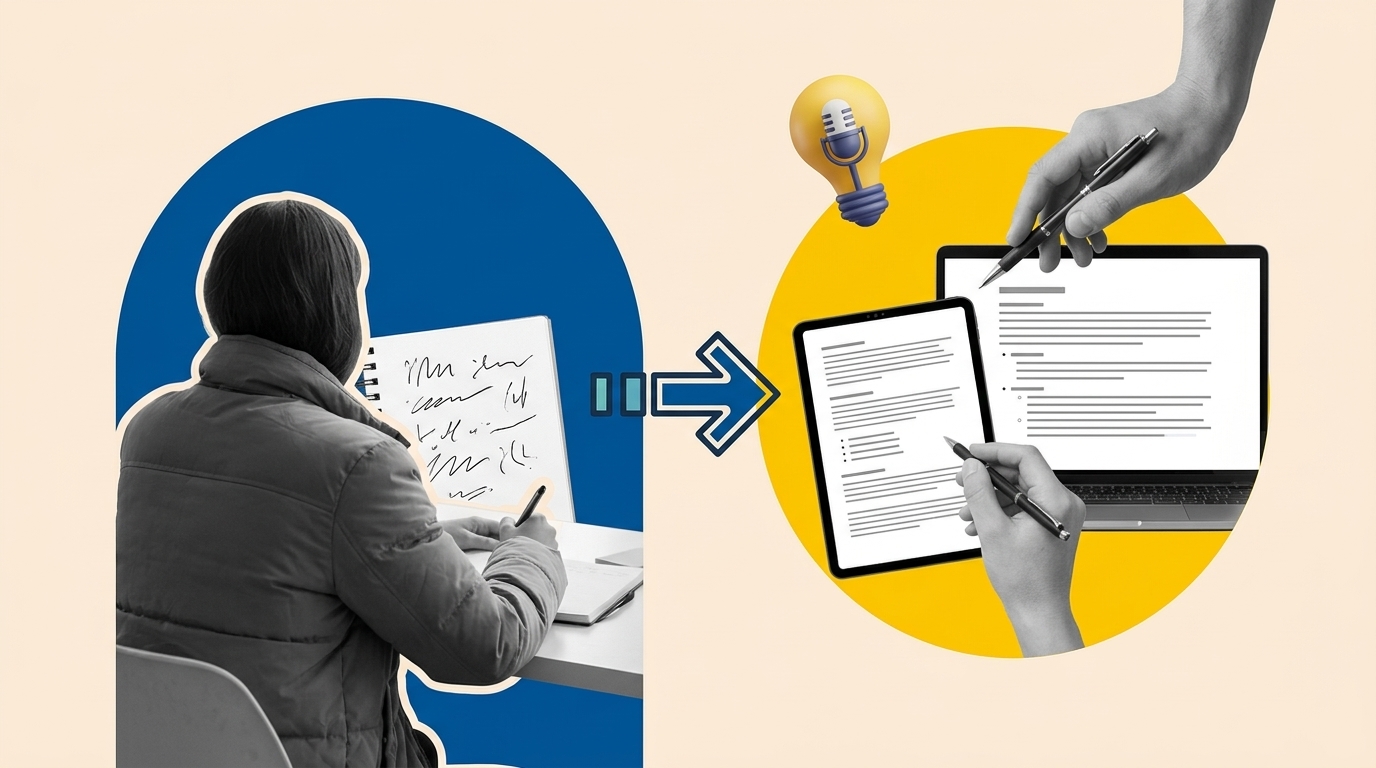
If you have ever left a client call with half a page of scrawled bullet points and a sinking feeling you missed something important, ai meeting notes tools were built for exactly that moment. Granola is one of the quietest but most capable tools in this space, and it is particularly well suited to solo founders, freelancers, and lean marketing operators who run their own calendars and cannot afford a dedicated note-taker. This article covers how Granola works, where it earns its place in a solo workflow, where it falls short, and how it compares to a couple of credible alternatives.
What Are AI Meeting Notes and Why Do They Matter for Solo Operators?
AI meeting notes are structured summaries, action items, and decisions generated automatically from a meeting recording or transcript. For solo operators, they solve a specific and painful tradeoff: the person who needs to remember everything is also the person who needs to be fully present in the conversation.
According to Microsoft’s guide to AI note-taking, manual note-taking forces a direct tradeoff where whoever is typing is only half in the meeting, so both the notes and their participation suffer. Removing that tradeoff matters most in small teams that have nobody to spare for taking minutes. For a solo founder, there is no team at all.
The market now includes a wide range of options. Otter.ai, Fathom, Fireflies, and Granola are among the tools that appear most consistently in AI notetaker comparisons. Each takes a slightly different philosophy toward how notes get generated, and understanding those differences is what tells you which one fits your real workflow rather than an idealized one.
How Granola Works: The Hybrid Notepad Model
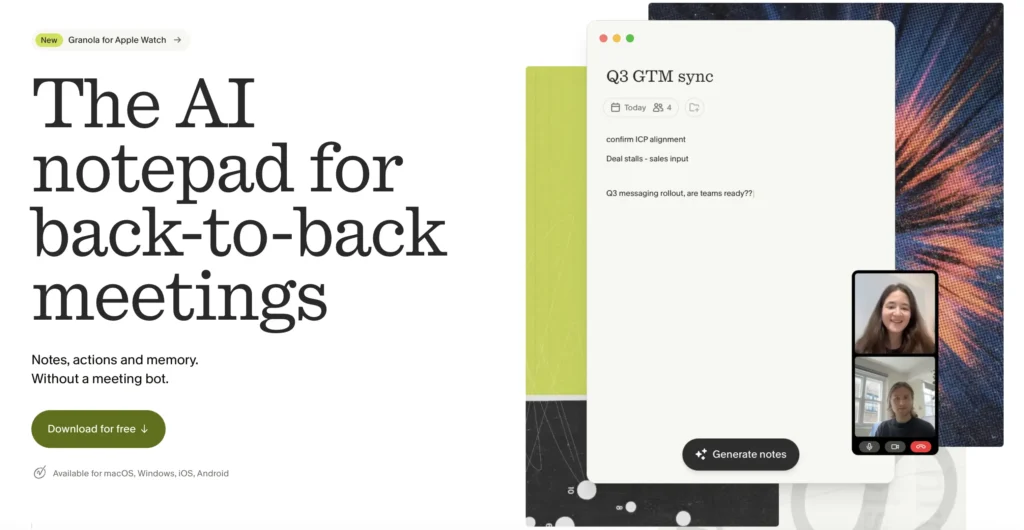
Granola operates differently from most AI meeting tools. Rather than sending a visible bot into your call, it runs quietly in the background on your desktop, capturing system audio while you type your own rough notes in a simple notepad interface. After the call ends, it merges your jottings with a full transcript to produce a clean, structured summary.
This hybrid approach is Granola’s defining characteristic. As Salesforce’s roundup of AI meeting assistants notes, Granola is built for people who prefer writing their own notes but don’t want to miss important details, and the resulting blend of human insight and AI support is particularly useful in sessions where nuance and tone matter.
The practical workflow looks like this. Before or during a meeting, you open a Granola note and jot down the three or four things that feel important as the conversation moves. Granola records the system audio in parallel. When the meeting ends, it combines your bullet points with the transcript and produces a formatted summary with highlights, decisions, and action items. You can then edit it, share a polished version with attendees, or use the chat feature to ask questions about what was said.
Granola also syncs with Google Calendar, so it can launch a note automatically for any upcoming event. Speaker attribution is available for Zoom and Google Meet calls, which addresses a common complaint about early versions of the tool. There is also a ChatGPT plugin and an MCP integration, meaning your meeting history can be searched and cited directly from within an AI assistant session, which is genuinely useful for solo founders who use AI tools to draft proposals, client briefs, or follow-up emails.
Why Solo Founders and Freelancers Are the Right Fit
Solo founders and freelancers run a particular kind of meeting schedule: a mix of client discovery calls, brief check-ins, sales conversations, and occasional collaborator syncs, spread across the week with no admin support. The cost of a missed detail or a late follow-up is paid personally, not absorbed by a team. That context makes Granola’s design choices unusually well matched.
The no-bot approach matters more than it sounds. When a recording bot joins a Zoom call, it is visible to every participant. Some clients are fine with it; others are not. Granola avoids that friction entirely by capturing audio at the system level on your own machine. The call looks and feels like a normal conversation. For consultants and freelancers who work with clients in sensitive industries, or simply clients who prefer not to see a recording notice, this is a meaningful practical advantage.
The notepad interface also keeps the human in the loop. Because you are still writing rough notes during the call, you are not completely delegating attention. You are just delegating the cleanup. The AI fills in the context you might have missed or did not have time to type, rather than generating the entire output from scratch. This is relevant for solo operators because your memory and judgment about what was important in a conversation are often better than any model’s guess. Granola’s design respects that.
There is a content operations angle here too. If you use meeting notes to brief copywriters, refresh existing content, or document customer language for later use in ads or email, having clean, searchable, AI-structured notes from every client call is genuinely valuable. Solo founders doing their own content work can pull direct quotes and stated problems from past calls using Granola’s chat feature, which feeds directly into content refresh workflows and customer research without any extra processing step.
You can try Granola through this link, which includes a free trial period to test it across a realistic sample of your own meetings before committing.
Practical Setup: Getting Granola Running in Under Ten Minutes
Granola is currently a Mac desktop app with a companion Android app that has more limited functionality. The setup process is straightforward. Download the desktop app, sign in with Google, and connect your Google Calendar. From that point, Granola will surface a note prompt for any upcoming calendar event. You can also start a manual note for any ad-hoc call that is not on your calendar.
A few configuration choices worth making on day one. First, set up a default note template that matches how you actually use meeting outputs. Granola supports custom templates, so if your standard deliverable after a client call is a brief with decisions, open questions, and next steps, you can set that as the default format rather than editing every summary by hand. Second, decide on your sharing defaults. Granola lets you keep notes private or generate a shareable link with a formatted summary. For client calls, a polished shareable summary sent as a follow-up within an hour of the call ends is a lightweight but effective way to demonstrate professionalism without extra effort.
Third, connect the ChatGPT plugin or MCP integration if you use an AI assistant regularly. Once connected, you can ask your AI assistant to pull context from past meetings without switching apps or copy-pasting transcripts. For a solo founder drafting a proposal or refreshing a case study, being able to query your own meeting history in plain language is a significant time saver.
Where Granola Has Genuine Limitations
No tool is a clean fit for every context, and Granola has real constraints worth naming before you commit.
The desktop-first design means mobile use is limited. The Android app is actively being developed but currently lacks several features available on the desktop version, including the ability to chat with your notes. If a significant portion of your calls happen from a mobile device, that is a friction point to weigh seriously. The tool also requires an internet connection for processing, which matters if you work in environments with unreliable connectivity.
Granola works best when you are the one initiating or joining the call from your own machine. If you are sometimes a guest on someone else’s platform in a way that does not route audio through your system, the capture may be incomplete. Testing with your actual call stack before relying on it for important client conversations is the right approach.
The free trial gives you a limited number of meetings. After that, continued use requires a paid subscription. If your meeting volume is very low, say two or three client calls per month, the value calculation is different than if you are running five or more calls per week. Alternatives like Fathom offer a more generous free tier for lower-volume users, and Otter.ai is a widely used option with its own strengths around real-time transcription and team features.
Granola vs. Alternatives: A Practical Comparison
Comparing AI meeting note tools is most useful when you anchor the comparison to a specific use case. For the solo founder or freelancer profile this article addresses, here is a direct comparison across three relevant tools.
- Granola: No bot on the call, hybrid human-plus-AI notes, clean summaries, chat with notes, ChatGPT and MCP integrations. Mac desktop required. Best for people who want human-directed notes with AI enrichment and value the no-bot approach with clients.
- Fathom: Bot joins the call but is highly regarded for accuracy and a genuinely generous free tier. Strong on Zoom. Good for higher call volumes where free is a meaningful factor. Less suited to in-person or phone calls.
- Otter.ai: Real-time transcription with chat capabilities. Broad platform support. Processes a high volume of meetings. Better for teams than solo use due to its collaboration and workspace features, though solo plans exist.
The decision for most solo operators comes down to one practical question: do your clients care about seeing a recording bot on the call? If yes, Granola is the clearest answer. If not, test Fathom’s free tier alongside Granola’s trial and choose based on which summary output you actually want to edit and send.
Connecting AI Meeting Notes to Content and Research Workflows
For solo marketers and founders who handle their own content, the value of clean meeting notes compounds over time. Every client call is a source of customer language: the exact phrases people use to describe their problems, the objections that come up repeatedly, the outcomes they care about most. That language, captured and searchable, is more valuable than most keyword research for informing landing page copy, email sequences, or content refresh decisions.
Granola’s chat feature makes this practical. After a month of client calls, you can ask your notes: what problem did most clients describe in the first five minutes of the discovery call? What specific outcomes did they mention? The answers feed directly into better briefs, sharper positioning, and more relevant content, without requiring any additional research process.
This ties directly into content refresh work. If you are revisiting an existing article or landing page and want to update the customer problem framing, your own meeting notes from the past quarter are a primary source that most operators overlook. Structured AI meeting notes make that asset accessible. A tool like Granola turns that latent value into something you can actually query.
Frequently Asked Questions
Does Granola require a bot to join my video calls?
No. Granola works by capturing system audio directly on your Mac desktop, so no bot appears in the meeting for other participants. This is one of Granola’s most distinct features compared to tools like Fathom or Fireflies, which typically add a visible recording bot to the call.
Can I use Granola for in-person meetings or phone calls?
Yes, within limits. Granola can capture any audio routed through your device’s system audio, and the mobile app supports on-the-go recording for coffee catch-ups and in-person conversations. However, the mobile app is currently less fully featured than the desktop version, particularly around chatting with notes.
How does the hybrid note-taking model actually work in practice?
During a meeting, you type rough bullet points in Granola’s notepad, just as you normally would. Granola records the full audio in parallel. When the meeting ends, it combines your jottings with the transcript to produce a clean, structured summary. Your notes provide the human judgment about what mattered; the AI fills in details and context you may have missed.
Is Granola worth the cost for a low-volume freelancer?
If you run fewer than three calls per month, the value calculation is tighter. Fathom offers a more generous free tier that may cover low-volume needs. For freelancers running five or more client calls per week, the time saved on writing and formatting follow-up notes, combined with the searchable meeting history, typically justifies the cost. The free trial is the right way to test against your actual volume before paying.
How can AI meeting notes feed into content and marketing work?
Structured meeting notes from client calls are a source of authentic customer language: the exact phrases, problems, and outcomes your audience describes. Using Granola’s chat feature, you can query your meeting history to find recurring themes, specific objections, or direct quotes that sharpen copy, briefs, and content refresh decisions. This turns passive call records into an active research asset.
Sources
- Microsoft 365: What Is AI Note Taking? How It Works
- Salesforce: AI Meeting Assistants: The 11 Best Tools in 2025

1 comment
[…] For a deeper look at a meeting-first workflow, read our guide to using Granola for AI meeting notes. […]