
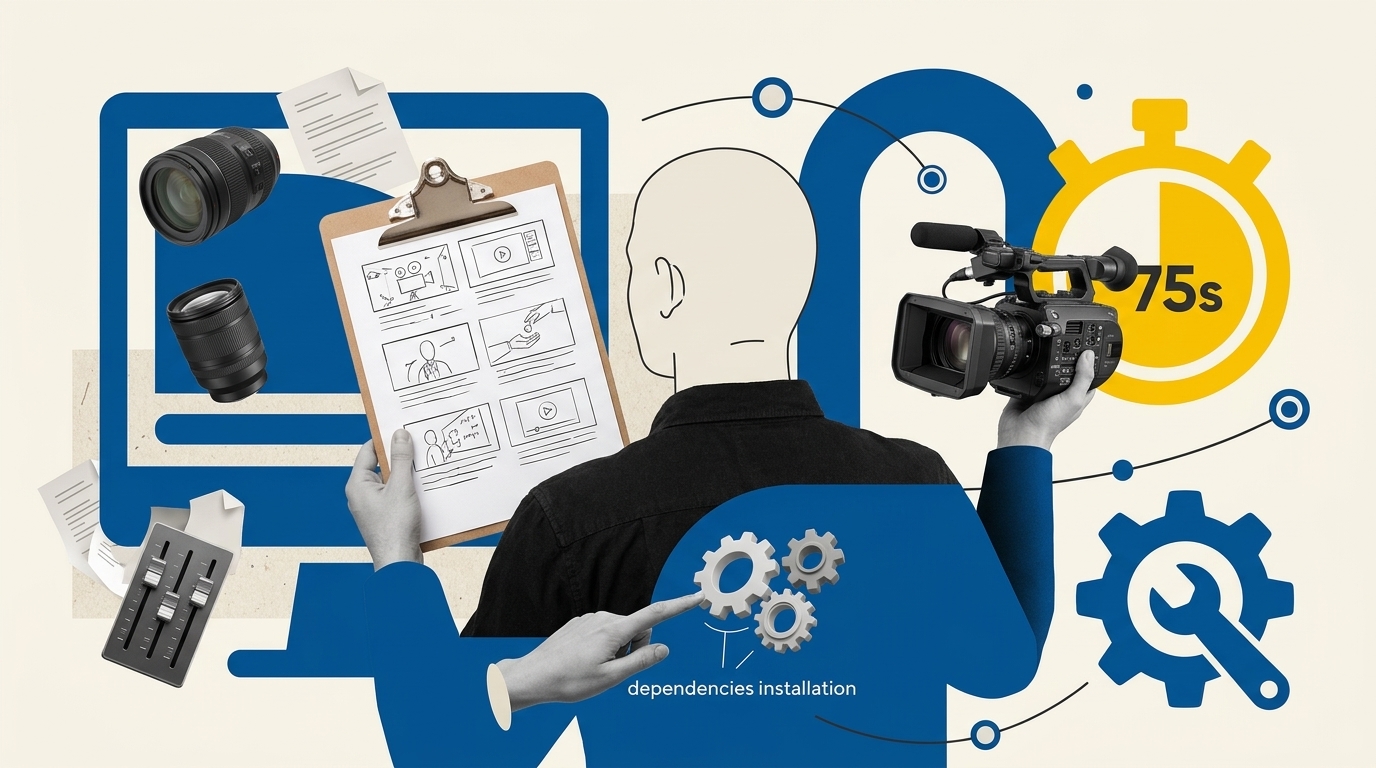
An openmontage company profile video allows lean businesses to assemble a structured, professional 60 to 75-second brand introduction without paying agency retainers. By combining an AI coding assistant with local rendering engines, OpenMontage organizes raw footage, narration, and typography into a conversion-focused asset based on verified company proof rather than synthetic hype.
Key Takeaways
- OpenMontage functions as an agent-driven video framework operated through terminal coding assistants like Claude Code, Cursor, or Codex, not as a point-and-click web app.
- Authentic B2B conversion requires genuine visual proof, including transparent logos, verified metrics, customer quotes, and real office or product footage.
- The architecture supports two primary rendering methods: cinematic footage assembly via Remotion and deterministic code-animated motion graphics using HyperFrames.
- A complete zero-cost local pipeline is achievable using open-source Piper TTS and local media assets, avoiding recurring API generation expenses.
- Always clone directly from the official OpenMontageInc repository to protect your development environment from trojanized binary installers.
What Is OpenMontage and How Does It Work?
Unlike commercial video generators that assemble random stock clips behind AI voiceovers, OpenMontage is an open-source orchestration framework. It coordinates multiple specialized agent tools across a structured seven-stage lifecycle: research, proposal, scriptwriting, scene planning, asset gathering, editing, and final composition.
Lean teams exploring GitHub AI video skills for business often discover that standalone video tools lack editorial guardrails. OpenMontage solves this by embedding strict human-in-the-loop gates. Before any video renders, the operator must explicitly review and sign off on the narrative proposal, the script, the shot list, and the media ledger.
OpenMontage is released under the GNU Affero General Public License v3 (AGPL-3.0). While AGPL-3.0 enforces open-source conditions if you modify and host the orchestration engine as a network service, it does not claim ownership over the rendered video files you produce. You maintain commercial rights to your generated MP4 files, provided you own the underlying media assets and rights to any commercial libraries used during compilation.
Preparing Your Brand Asset Kit and Permissions
AI video workflows fail when founders feed vague prompts into an agent without establishing factual boundaries. To build trust that drives sales pipeline velocity, your company profile video must be grounded in documented reality rather than generic marketing claims.
Before launching your coding assistant, compile the following verified asset package into a dedicated project directory:
- Visual Brand Identity: Vector or high-resolution PNG logos with transparent backgrounds, hex color codes, and primary brand typography files (.woff2 or .ttf).
- Operational Video Footage: 1080p B-roll showing your actual team, real physical workspaces, software dashboards, or manufactured products. Avoid stock video models pretending to work at your desk.
- Substantiated Proof Points: Specific growth figures, verified case study statistics, customer logos, or audited reviews. If you highlight customer results, keep signed release documentation on file.
- Employee Consent: Formal likeness releases for any founders or staff members appearing on camera or whose voices are synthesized.
- Call to Action Destination: The exact conversion URL, calendar booking link, or demo offer you want prospective buyers to visit. Pairing this asset with lead generation workflows ensures your inbound video traffic converts smoothly.
The 75-Second Company Profile Storyboard
A high-converting B2B company profile video should not exceed 90 seconds. A disciplined 75-second runtime provides enough space to explain who you are, validate your competence, and ask for action without losing audience attention.
Use this battle-tested narrative structure for your project scene plan:
- 0:00 to 0:08 (Customer Context): Open on the core operational frustration or market bottleneck your target buyers experience every day. Establish immediate empathy.
- 0:08 to 0:20 (Who We Are): Introduce your company name, core mission, and positioning. State clearly who you serve and what primary transformation you deliver.
- 0:20 to 0:40 (The Solution): Walk through your core offering or software workflow in 2 or 3 distinct visual steps. Show the product or team in action.
- 0:40 to 0:58 (Substantiated Proof): Present factual evidence. Highlight client retention metrics, verified customer case studies, or measurable time saved.
- 0:58 to 0:68 (The Competitive Difference): Clarify why your technical approach or business model outperforms conventional alternatives.
- 0:68 to 0:75 (Call to Action): Provide a clean visual end card with your primary website URL and an unambiguous next step, such as booking an exploratory call.
Step-by-Step OpenMontage Setup and Agent Workflow
OpenMontage does not offer a hosted cloud dashboard or downloadable desktop installer. In fact, official project maintainers have repeatedly warned the community against counterfeit web domains offering pre-packaged .exe or .dmg files, which contain trojan malware. Always clone the canonical repository directly using Git.
To run the system, your machine requires Git, Python 3.10+, Node.js 18+, and FFmpeg installed globally. Follow this terminal installation routine:
# Clone official repository
git clone https://github.com/OpenMontageInc/OpenMontage.git
cd OpenMontage

# Run the automated dependency setup
make setup
Once dependencies are configured, open the repository inside your preferred AI-enabled IDE or terminal assistant (such as Claude Code, Cursor, or Windsurf). Direct the assistant to initiate the pipeline:
# Example command inside your AI assistant terminal
run pipeline company-profile --assets ./projects/my-company/assets
The agent will sequentially generate a project outline, script draft, and scene breakdown in Markdown format. Inspect each document thoroughly. Validate that the voiceover copy matches your brand tone, check pronunciation tags for technical terms, and verify that clip duration metadata matches your visual assets before issuing approval to render.
Rendering Approaches: Cinematic Footage vs. HyperFrames
Depending on your available media library, OpenMontage supports two distinct rendering backends. If you possess crisp video recordings of your staff, products, and physical offices, Remotion allows you to assemble multi-layered video compositions using React components. Remotion is free for individuals and companies with up to 3 employees, while larger organizations require a commercial license.
If your business lacks real camera footage, do not substitute synthetic AI video hallucinations. Instead, switch to an animated code-driven approach using HyperFrames. HyperFrames uses HTML, CSS, and GSAP timelines to render crisp, deterministic typography, software UI mockups, and animated vector metrics at full 1080p resolution.
| Feature | Cinematic Footage (Remotion) | Animated Code (HyperFrames) |
|---|---|---|
| Best Fit | Teams with real video, executive interviews, or on-site client interactions | SaaS platforms, technical consultancies, and digital agencies lacking footage |
| Core Technology | React, FFmpeg timeline composition, audio mixing | HTML5, CSS3, GSAP browser-based canvas rendering |
| Licensing | Free up to 3 people; paid commercial license required for 4+ staff | Permissive open source (Apache-2.0) |
| Visual Strengths | Emotional human connection, physical credibility, authentic workplace culture | Pixel-perfect software UI, dynamic kinetic typography, animated data graphs |
| Asset Requirements | High-bitrate MP4 B-roll, high-res team photography | SVG icons, UI screenshots, vector logos, color codes |
Disclosure: Some links in this article are affiliate links. We may earn a commission at no extra cost to you; it does not affect our evaluation.
For audio generation, OpenMontage includes out-of-the-box support for Piper TTS, allowing you to generate clear, offline speech synthesis without API fees. However, if your company profile requires studio-grade emotional cadence or custom brand voices, you can export the script and generate commercial narration through Murf AI before dropping the final WAV file back into your project timeline.
Quality Assurance and Export Checklist
Once rendering finishes, OpenMontage deposits the final video at projects/<project-name>/renders/final.mp4. Before embedding this video on your homepage or using it in sales sequences, run this operational quality audit:
- Audio Balancing: Voiceover narration must peak between -10 dB and -14 dB, with background music ducked down to -24 dB or lower during spoken phrases.
- Subtitles and Contrast: Closed captions must remain legible against light and dark background scenes. Ensure text satisfies WCAG contrast guidelines.
- Pacing and Transitions: Inspect cut points between scenes to ensure visual transitions align with natural pauses in the voiceover narrative.
- Export Dimensions: Verify that the horizontal landscape master renders at 1920×1080 at 30 or 60 frames per second with H.264 video encoding and AAC audio.
- Social Cropping: If repurposing for LinkedIn or vertical mobile reels, confirm that central text and facial framing remain visible within a 9:16 safe area.
Copyable Company Profile Brief and Prompt
Copy this structured template directly into your AI coding assistant prompt window to initiate a compliant company profile project within OpenMontage:
### OPENMONTAGE COMPANY PROFILE SPECIFICATION

**Company Name:** [Insert Legal Name]
**Target Audience:** [e.g., Lean B2B SaaS Founders, Performance Marketers]
**Primary Transformation:** [State primary client result in one sentence]
**Target Duration:** 75 seconds (1920x1080, 30fps)

**Mandatory Brand Guidelines:**
- Primary Hex: [e.g., #005293]
- Secondary Accent: [e.g., #FECB00]
- Logo Path: ./assets/logo-transparent.png
- Font Family: [e.g., Inter, Montserrat]

**Approved Factual Proof Points (Do Not Hallucinate):**
1. [Insert verified customer retention metric or user milestone]
2. [Insert audited client case study result]
3. [Insert core platform capability]

**Audio Preferences:**
- Voiceover Mode: [Piper TTS Local / External WAV]
- Tone: Authoritative, calm, practical, operator-focused
- Background Audio: Low-tempo ambient synth, ducked -24dB beneath speech

**Pipeline Instructions:**
1. Generate narrative proposal and wait for human review.
2. Write timed script matching the 6-phase 75-second storyboard.
3. Output scene plan mapping each line to files in ./assets directory.
4. Do not render final.mp4 until explicit scene approval is granted.
Frequently Asked Questions
OpenMontage is open source under the AGPL-3.0 license, meaning the engine itself is free to use. However, commercial licensing depends on your chosen dependencies. If you use Remotion with four or more team members, Remotion requires a commercial license. Open-source backends like HyperFrames and Piper TTS can be used with zero licensing fees.
Yes. OpenMontage supports an entirely offline zero-cost mode using Piper TTS for speech synthesis, local media files, and local rendering tools. If you choose to connect hosted LLM APIs or commercial voice platforms for faster ideation, standard provider API usage fees will apply.
If you lack authentic video footage, do not generate synthetic AI stock actors. Instead, select the HyperFrames pipeline within OpenMontage. HyperFrames creates an engaging, high-resolution company explainer using code-animated kinetic typography, UI product screenshots, and motion graphics.
