
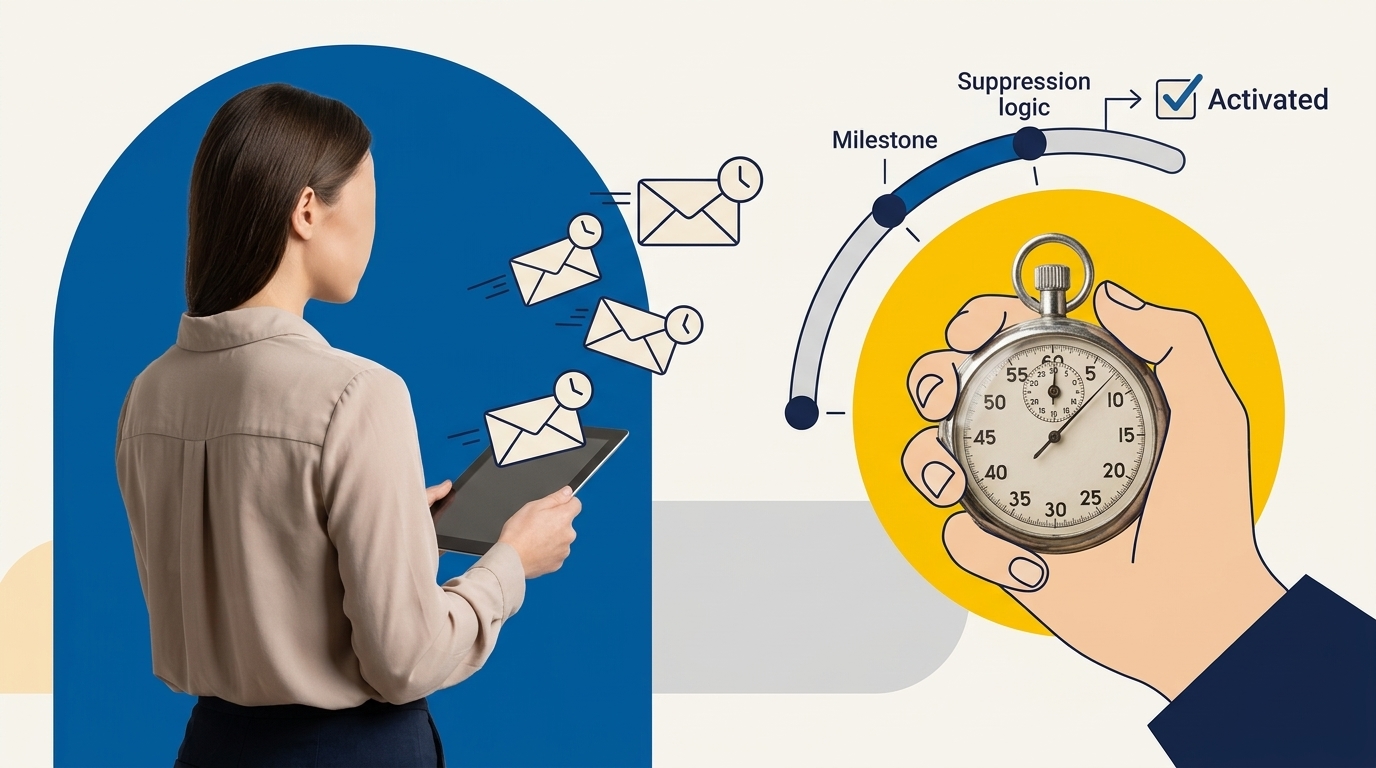
A high-converting SaaS trial onboarding sequence does not blast daily feature announcements on a static calendar; it guides users toward a single meaningful milestone event that unlocks core product value. By pairing behavioral telemetry with AI-assisted drafting, lean teams can build responsive email journeys that automatically suppress unnecessary messages once users activate, ensuring every communication directly addresses friction rather than adding noise.
Key Takeaways
- Focus on a single milestone: Activation is defined as completing the primary action where users experience real product value, not simply logging in or confirming an email.
- Prioritize event-based exits: Modern sequences must rely on telemetry; users who complete the activation milestone should immediately exit initial nudges to prevent irrelevant messaging.
- Enforce strict AI guardrails: Generative AI should assist with copy variations and persona framing, but all feature claims, pricing references, and step-by-step instructions require human verification.
- Maintain deliverability hygiene: Bulk sender requirements from Google and Yahoo require strict SPF, DKIM, and DMARC enforcement, one-click unsubscribes, and spam complaints kept strictly below 0.10%.
- Test with holdout groups: True sequence impact cannot be measured by open rates alone; validate lift using holdout branches measuring downstream conversion to paid plans.
Understanding SaaS Activation: Beyond Vanity Signups
For most self-serve software products, trial conversion fails during the first session. Users register with genuine intent, encounter an empty dashboard, feel overwhelmed by unclear configuration steps, and leave before experiencing the core capability that justified signing up. Treating account creation as success obscures this problem.
Product activation represents the specific moment when a user completes an action that demonstrates core value. According to product retention research by Amplitude, product activation strongly predicts enduring customer value: 69% of SaaS products in the top quartile of 7-day activation remain top performers in 3-month retention. When evaluating activation, teams must calculate the rate strictly as:
Activation Rate = (Users Who Complete Milestone Event / Total Signups) * 100
Before writing email copy, your engineering or product team must instrument the telemetry for this primary milestone. For an email newsletter tool, activation might mean importing contacts and sending one broadcast. For an invoicing app, it might mean generating a live invoice. If your onboarding sequence tries to explain five disparate features in week one, users will master none of them. When drafting these communications, using an AI marketing copy QA checklist helps verify that every message remains focused on user progression rather than product vanity metrics.
Architecture of an Event-Driven Sequence
Traditional drip marketing relies on fixed time delays: Send Email 1 on Day 0, Email 2 on Day 2, and Email 3 on Day 4. This model fails in modern SaaS. A user who completes your primary activation milestone within twenty minutes of registration should never receive an email twenty-four hours later explaining how to start that exact same task. Doing so reveals disconnected systems and erodes trust.
An effective architecture integrates real-time product events with your customer engagement platform. As documented in Customer.io’s events engine documentation, modern engagement platforms track customer actions via JSON payloads that pass dynamic event attributes such as workspace setup status, teammate invitations, or data imports. When integrated with your CRM or downstream scoring infrastructure, similar to principles used in automated lead scoring workflows, these event payloads allow automations to evaluate user state before dispatching any message.
The sequence must operate on two parallel tracks:
- The Incomplete Milestone Track: Designed for users who have signed up but have not completed the primary activation event. Each email isolates and removes a specific point of friction.
- The Activated Milestone Track: Designed for users who completed the primary activation action early. These emails shift immediately to secondary expansion, workflow integration, or team invites.
The 7-Day Milestone-Based Email Journey Table
This operational framework outlines a 7-day reference onboarding sequence for a standard self-serve SaaS trial. Deliverability intervals should be adjusted based on user action rather than arbitrary calendar passage.
| Timing | Email Focus | Trigger Event | Exit Condition (Suppression) | Primary CTA |
|---|---|---|---|---|
| Day 0 (Immediate) | The Single First Step | user_signed_up |
None (All receive) | Open setup guide or template |
| Day 1 (+24 hours) | Bypassing Initial Setup Friction | milestone_completed == false |
milestone_completed == true |
Complete first configuration |
| Day 2 (+48 hours) | Overcoming Data Blank Slates | data_imported == false |
milestone_completed == true |
Import sample data or file |
| Day 3 (+72 hours) | Practical Outcome Showcase | milestone_completed == false |
milestone_completed == true |
View 2-minute workflow video |
| Day 4 (+96 hours) | Friction Check / Personal Outreach | milestone_completed == false |
milestone_completed == true |
Reply directly with blockers |
| Day 5 (+120 hours) | Workflow Collaboration / Multi-Seat | milestone_completed == true |
Account has 2+ seats active | Invite one teammate |
| Day 7 (+168 hours) | Trial Review and Upgrade Path | Trial midpoint reached | Subscription active or churned | Review team pricing plan |
Seven Editable Email Copy Outlines and Prompts
Generative AI models excel at producing structural variants and voice adjustments, but they lack awareness of your product interface. Below are editable copy outlines and structured prompting frameworks designed to keep AI outputs grounded in real software capabilities.
Email 1: The Single First Step (Day 0)
Goal: Direct the user toward completing the initial input that precedes activation.
Outline: Acknowledge registration, state the single quickest way to see value in under five minutes, provide a direct link to the setup screen, and eliminate secondary choices.
Email 2: Setup Friction Alternative (Day 1)
Goal: Provide an easier path for users stuck on complex technical integrations.
Outline: Highlight the most common stumbling block (such as connecting an API key or importing contacts), offer a pre-populated sandbox option, and provide a direct link to a 60-second video walkthrough.
Email 3: Overcoming the Blank Canvas (Day 2)
Goal: Remove the intimidation of an empty workspace.
Outline: Share a pre-built template or sample project that trial users can clone with one click, illustrating the end result before they invest manual effort.
Email 4: Concrete Outcome Example (Day 3)
Goal: Connect the product action to a measurable business outcome.
Outline: Provide a brief, realistic scenario showing how a similar business uses the specific feature to save hours or prevent revenue leakage. Keep the tone practical, avoiding inflated claims.
Email 5: The Founder or Operator Check-In (Day 4)
Goal: Solicit qualitative feedback from users who have stalled.
Outline: Send a plain-text email from a founder or product lead asking one direct question: “What was the primary friction point when trying to configure [Feature Name]?” This email invites direct replies to help diagnose UX bugs.
Email 6: Team Collaboration and Integrations (Day 5)
Goal: Deepen account stickiness by expanding beyond the single user.
Outline: Explain how sharing project access or connecting to Slack, Google Workspace, or webhooks automates routine updates across the user’s existing operational stack.
Email 7: The Trial Midpoint Value Audit (Day 7)
Goal: Transition the conversation from discovery to commercial evaluation.
Outline: Summarize the core milestones available in the plan, clarify what happens when the trial period concludes, and outline upgrade paths clearly without artificial countdown timers.
When generating copy for these outlines, use the following structured prompt template to keep AI outputs factual:
You are drafting an onboarding email for [Software Name].
Target Persona: [e.g., Solo Founder, Growth Marketer]
Current User State: Has created an account but has NOT completed [Primary Activation Milestone].
Task: Draft Email [Number]: [Topic from Outline].
Required Constraints:
1. Only reference these actual features: [Feature A, Feature B].
2. Do not invent integrations, pricing tiers, or performance statistics.
3. The primary CTA must point directly to [Target In-App Screen].
4. Use plain, professional English. Avoid hyperbole and empty filler words.
5. Keep the total length under 175 words.
Suppression Logic and Exit Conditions
The technical foundation of a functional onboarding sequence is suppression logic. Sending an onboarding email asking a user to complete an action they finalized three hours earlier creates an unpolished impression and increases unsubscribe rates.
Configure your customer engagement platform or marketing automation system to re-evaluate conditions immediately before queuing every send:
- Primary Exit Trigger: If
event.activation_milestone_completed == true, remove the contact from the unactivated journey immediately and route them into the product adoption track. - Subscription Exit Trigger: If
user.plan_status == 'paid', suppress all trial conversion messaging permanently. - Activity Suppression: If a user was active in the web application within the last two hours, delay delivery by at least four hours to avoid interrupting active work with unnecessary notifications.
- Unsubscribe or Bounce: Immediately honor hard bounces and global opt-outs across all transactional-marketing hybrid queues.
For operations teams managing multiple communication channels, pairing automated marketing sequences with a structured AI lead follow-up workflow prevents sales teams from manually emailing accounts that are already receiving automated product nudges.
Deliverability, Compliance, and Sender Reputation Rules
Even carefully targeted onboarding emails fail if they land in the spam folder. Modern mailbox providers enforce rigorous authentication standards on all custom sending domains.
Google and Yahoo published strict requirements for domain senders in their Google Workspace Email Sender Guidelines. Senders must authenticate their domains using SPF (Sender Policy Framework), DKIM (DomainKeys Identified Mail), and DMARC (Domain-based Message Authentication, Reporting, and Conformance). Crucially, senders must maintain a spam complaint rate below 0.10% in Google Postmaster Tools, with an absolute upper threshold of 0.30% that triggers immediate filtering or outright message rejection.
Furthermore, bulk commercial messages must support RFC 8058 one-click unsubscribe headers, allowing recipients to opt out directly from their mail client interface without logging in or completing surveys.
From a regulatory standpoint, commercial onboarding communications fall under the FTC’s legal mandate. According to the FTC CAN-SPAM Act Compliance Guide, all marketing and onboarding messages must contain accurate header information, avoid misleading subject lines, provide a valid physical postal address, and honor unsubscribe requests within 10 business days. Violating CAN-SPAM provisions carries statutory civil penalties of up to $53,088 per individual non-compliant email send.
Measurement Plan: Holdout Testing and Funnel Analytics
Open rates and vanity click metrics do not measure onboarding success. Privacy features like Apple Mail Privacy Protection pre-fetch tracking pixels, distorting open rates and rendering them unreliable for performance optimization. Sequence performance must be judged on downstream business actions.
As outlined in PostHog’s workflow testing methodology, the rigorous way to evaluate an onboarding sequence is to implement an automated holdout group. Split incoming trial signups into two cohorts:
- Test Group (85% to 90%): Receives the event-driven, AI-drafted 7-day onboarding sequence.
- Control Holdout Group (10% to 15%): Receives only transactional system emails (password resets and billing receipts) with zero automated onboarding nudges.
Track both cohorts across a 14-day or 30-day trial period using a standardized activation KPI worksheet:
| Metric Name | Formula / Source Event | Target Benchmark Direction |
|---|---|---|
| Milestone Activation Rate | (Users who fired milestone / Total Signups) * 100 |
Statistically significant lift vs. Holdout |
| Time-to-Activation (TTA) | timestamp(milestone_completed) - timestamp(signup) |
Reduction in median hours to activate |
| Trial-to-Paid Conversion | (Paying Accounts / Total Trial Signups) * 100 |
Consistent increase across 30-day cohorts |
| Spam Complaint Rate | Spam Complaints / Total Delivered Messages |
Must remain strictly below 0.10% |
| Unsubscribe Rate | Unsubscribes / Total Delivered Messages |
Baseline monitoring (< 0.50% per send) |
Note on statistical sample size: Early-stage products with fewer than 200 monthly signups will struggle to reach statistical significance quickly. In low-volume settings, avoid micro-testing email subject lines; focus testing efforts on identifying and fixing the major product roadblocks where users abandon the setup flow.
Human Review and QA Checklist
Before launching any AI-drafted sequence into your production automation tool, run every email through this manual quality control checklist:
- [ ] Product Accuracy Check: Are UI button names, navigation menus, and feature paths identical to the live production application?
- [ ] Factual Feature Boundaries: Did the language model invent capabilities, file formats, or third-party integrations that your app does not support?
- [ ] Deep Link Validation: Does every CTA link direct users to the authenticated setup page inside the app, rather than a generic marketing homepage?
- [ ] Suppression Verification: Are the exit conditions configured to fire immediately when
milestone_completed == true? - [ ] Regulatory and Deliverability Audit: Is a physical address included, is one-click unsubscribe functional, and are SPF, DKIM, and DMARC passing on the sender domain?
Frequently Asked Questions
How do you identify the right SaaS activation milestone?
Look at historical user retention data. Correlate early product actions completed during the first 48 to 72 hours with users who remained paying customers after 90 days. The event that displays the strongest mathematical correlation with long-term retention is your primary activation milestone.
Why should onboarding emails be suppressed after activation?
Continuing to send introductory tutorials to users who have already mastered your setup process creates unnecessary friction. Suppressing emails once an activation milestone fires preserves your domain’s engagement metrics, reduces spam complaints, and prevents irritating your most promising users.
Can AI generate entire onboarding sequences automatically?
AI can generate copy drafts, suggest structural variations, and adapt tone for distinct buyer personas. However, AI cannot verify technical setups, inspect app UI paths, or configure ESP event triggers. Human operators must supply exact feature boundaries and verify every link before deployment.
What is the acceptable spam complaint rate for SaaS onboarding?
Google and Yahoo sender guidelines require all bulk senders to maintain a spam complaint rate below 0.10% in Google Postmaster Tools. Exceeding 0.30% can lead to immediate domain blacklisting, delivery delays, and severe inbox placement penalties across your entire customer base.
